Managing tokens
The number of tokens is limited to 3 per user. You can generate, list and delete tokens on the “API Tokens” page available from the workspace menu.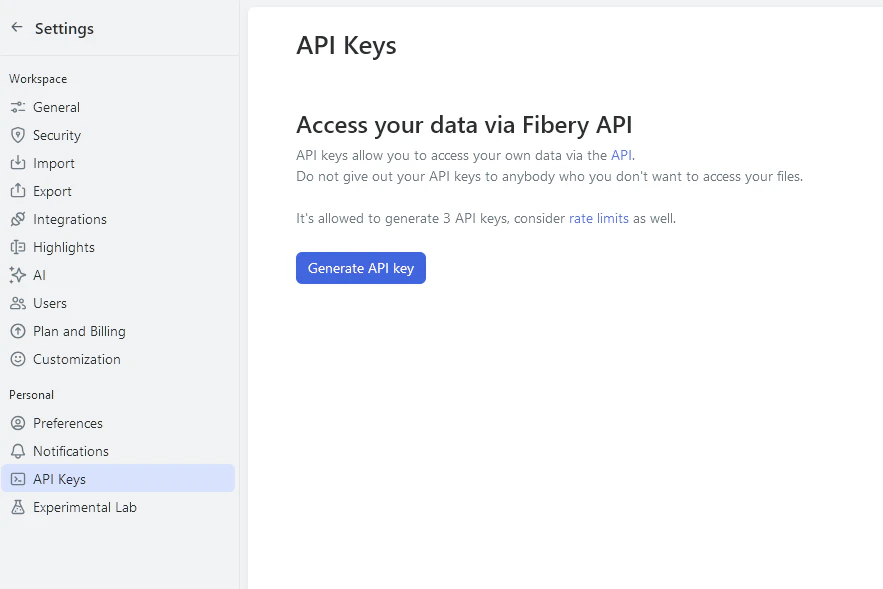
GET /api/tokens— lists all access tokens that were given to current userPOST /api/tokens— creates new token for current userDELETE /api/tokens/:token_id— deletes token by id

You need to be authenticated with a browser cookie or with an already existing token when accessing these endpoints.
Request limits
To ensure system stability and consistent user experience, our API is rate-limited. Rate-limited requests will return a “Too Many Requests” error (HTTP response status429). The rate limit for incoming requests is 3 requests per second per token. Additionally the entire workspace is limited to 7 requests per second.
Rate limits may change. In the future we may adjust rate limits to balance for demand and reliability.
OAuth flow
If your app acts on behalf of Fibery users, use OAuth 2.0 instead of a static API token. Once the flow completes, you get an access token that is used exactly like an API token — pass it asAuthorization: Bearer <access_token> to every Fibery API request.
Note the scheme difference: OAuth access tokens use the
Bearer prefix, while static API tokens use the Token prefix.OAuth apps are not self-service. Contact Fibery Support to register your app. We’ll create the client and share the
client_id, client_secret, and whitelist your redirect_uri.Endpoints
Fibery uses the standard Authorization Code grant. Two endpoints live underhttps://auth.fibery.io:
| Purpose | Endpoint |
|---|---|
| Authorization | GET https://auth.fibery.io/oauth2/auth |
| Token exchange & refresh | POST https://auth.fibery.io/oauth2/token |
Scopes
| Scope | What it does |
|---|---|
openid | Returns an ID token with the authenticated user’s identity. |
offline | Returns a refresh_token alongside the access token so you can stay connected without re-prompting the user. |